
How to Set Up IPTV on VLC Media Player (2026 Step-by-Step Guide)
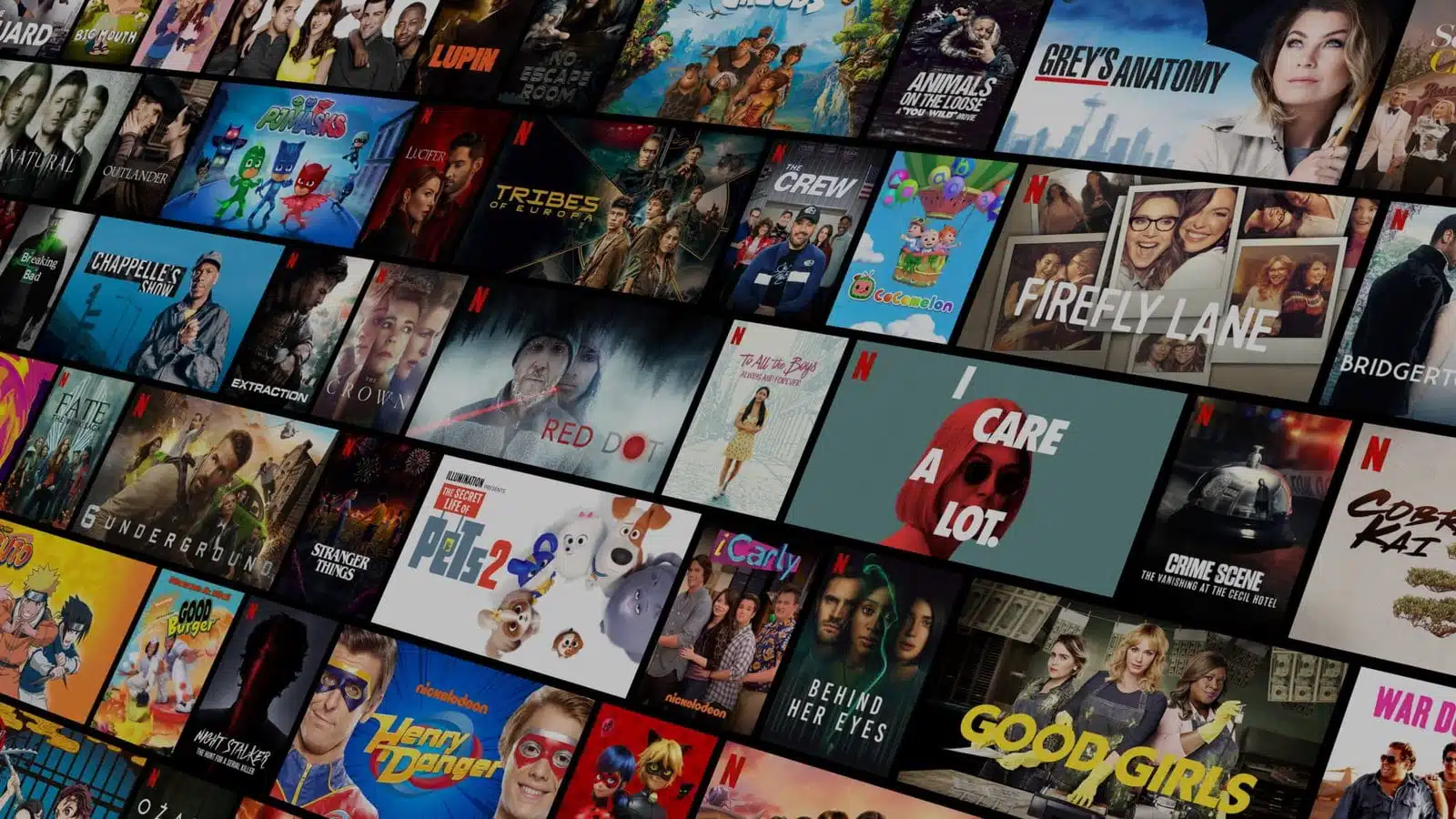
To set up VLC media player IPTV, open VLC, go to Media > Open Network Stream, paste your M3U playlist or stream URL into the Network URL field, and click Play. Your channels load within seconds and no extra plugin or app is required.
VLC is a free, open-source media player built by the VideoLAN project, and it runs on Windows, macOS, Linux, Android, and iOS. Because it plays M3U and M3U8 playlists natively, it has become one of the simplest ways to watch live IPTV channels without installing a dedicated IPTV app. This guide covers the exact setup steps for every major platform, how to handle both playlist URLs and downloaded files, what to do if your provider only gives you Xtream Codes login details, and the most common setup errors and fixes. If VLC is already working but stuttering or lagging, that is a separate issue — see our dedicated guide on how to optimize VLC for watching IPTV once your channels are loading correctly.
What You Need Before Setting Up IPTV on VLC Media Player
- VLC media player installed — download the current version free from videolan.org for your operating system.
- An active IPTV subscription with an M3U playlist URL (or downloaded M3U file). If you do not have one yet, a RevoIPTV free trial gives you a working M3U link instantly so you can test this guide.
- A stable internet connection — at least 10 Mbps for HD channels, 25 Mbps or higher if you plan to watch 4K streams.
How to Add IPTV Channels to VLC Media Player (Windows, Mac, Linux)
The steps below are identical across Windows, macOS, and Linux — only the keyboard shortcut changes.
- Open VLC media player. Click Media in the top menu bar.
- Select “Open Network Stream” (shortcut: Ctrl+N on Windows/Linux, Cmd+N on macOS).
- Paste your M3U URL into the Network URL field. Your IPTV provider supplies this from their member dashboard. It typically looks like:
http://provider-domain.com/get.php?username=X&password=Y&type=m3u - Click Play. VLC fetches the playlist and starts buffering the first channel.
- Open the playlist panel with Ctrl+L (Windows/Linux) or Cmd+L (macOS). Every channel in your subscription appears in a sidebar — click any entry to switch instantly.
That completes the setup. Your live channels are now playing through VLC, and the playlist stays loaded until you close the app or open a new stream.
How to Load a Downloaded M3U File Instead of a URL
Some providers send a downloadable .m3u or .m3u8 file rather than a live link. The process is slightly different:
- Click Media > Open File (or simply drag the file onto the open VLC window).
- Browse to the saved M3U file and click Open.
- Press Ctrl+L to open the playlist and select a channel.
A downloaded file is a snapshot — if your provider updates channel URLs, you will need a fresh copy. A live M3U link (Step-by-step method above) updates automatically, which is why most providers recommend the URL over the file.
M3U vs. Xtream Codes: Which One Works in VLC?
This trips up a lot of first-time users: VLC does not have a native Xtream Codes login screen. If your provider gave you a server address, username, and password (the Xtream Codes format used by apps like TiviMate or IPTV Smarters), you cannot type those three fields directly into VLC. VLC only understands playlist URLs and files.
| Format | What You Get | Works Directly in VLC? | What to Do |
|---|---|---|---|
| M3U / M3U8 URL | One playlist link | Yes | Paste into Open Network Stream |
| M3U file | Downloaded .m3u/.m3u8 file | Yes | Open with Media > Open File |
| Xtream Codes login | Server URL + username + password | No | Ask your provider for the equivalent M3U URL, or build one using the format http://server:port/get.php?username=USER&password=PASS&type=m3u_plus |
Most IPTV providers, including RevoIPTV, can generate an M3U link from an Xtream Codes account on request — check your FAQs page or subscriber dashboard first, since the option is often available without contacting support.
Using VLC on Android and iOS for IPTV
VLC’s mobile apps support the same M3U workflow:
- Open the VLC app and tap the Network tab (the streaming icon in the bottom bar).
- Tap Open Network Stream and paste your M3U URL.
- Tap Play. Your channel list loads and you can browse it from the sidebar menu.
Mobile data and Wi-Fi connections are more prone to fluctuation than a wired desktop connection, so occasional buffering on phones is normal. If it becomes frequent, raising VLC’s cache value helps — the full walkthrough with exact settings is in the VLC optimization guide. For a smoother big-screen experience with an on-screen guide, compare VLC against dedicated options in our list of IPTV applications.
Changing the Audio Track in VLC
Many IPTV channels broadcast more than one audio track — for example, original language plus a dubbed version. Go to Audio > Audio Track during playback and pick the track you want. For the full walkthrough with screenshots, see how to change a channel’s audio on VLC.
Fixing Common VLC IPTV Setup Errors
- “Your input can’t be opened”: the M3U URL has expired, the credentials in the link are wrong, or your subscription has lapsed. Copy the URL fresh from your provider’s dashboard and check for accidental spaces or line breaks pasted with it.
- Playlist loads but shows a blank channel list: the URL returned an empty or malformed playlist. Test the same link in a browser — if it downloads a tiny or empty file, the account or URL is the problem, not VLC.
- Video opens but there’s no picture, only audio: this is usually a decoder issue on older VLC versions. Update to the current release from videolan.org, since codec support improves with almost every release.
- Stream starts then freezes after a few seconds: this is a buffering/network issue rather than a setup mistake — covered in depth in the VLC optimization guide.
If none of these apply, the fastest way to isolate the problem is testing the same M3U URL in a second app (or via a browser-based M3U tester) — if it fails everywhere, the issue is with the provider link, not VLC.
Turn Your Xtream Codes Login Into an M3U URL VLC Can Play
Because VLC has no Xtream Codes login screen, the fix is to rebuild your three credentials into a single playlist link VLC understands. Take the server host, port, username, and password your provider gave you and assemble them into a get.php request:
http://your-server:port/get.php?username=USER&password=PASS&type=m3u_plus&output=ts
Swap output=ts for output=m3u8 if your line is HLS-based. The m3u_plus type keeps channel names, group categories, and logo tags, so your playlist stays organised instead of showing a raw list of streams. Paste that finished URL into Media > Open Network Stream and press Play. If it loads in another app but not VLC, the credentials are usually fine and the port or output format is wrong.
Record Live IPTV Channels in VLC
VLC can capture live IPTV to a file, which the built-in playback bar hides by default. Open View > Advanced Controls to add an extra row of buttons above the timeline, then click the red Record button while a channel is playing; click it again to stop. Recordings are saved to your Videos folder (change the location under Tools > Preferences > Input/Codecs > Record directory). Recording depends on your subscription terms, and unlike TiviMate or a Smart TV DVR, VLC cannot schedule a recording in advance or record one channel while you watch another.
Cast VLC IPTV to Your TV with Chromecast
VLC 3.0 and later can beam an IPTV playlist from your computer to any Chromecast or Google TV device on the same Wi-Fi. Load your M3U URL, then open Playback > Renderer and choose your Chromecast from the list. The stream now plays on the big screen while VLC on your PC acts as the remote. If the device does not appear, confirm both machines share the same network and that VLC has firewall permission. Transcoding can add a short delay, so wired Ethernet on the sending computer gives the smoothest result.
VLC vs Dedicated IPTV Players: When to Switch
VLC is unbeatable for testing a playlist or checking that channels work, but it was never built as a full TV interface. This table shows where a dedicated app earns its place:
| Feature | VLC | Dedicated IPTV App |
|---|---|---|
| Program guide (EPG) | Not supported | Full 7-day guide |
| Catch-up / Timeshift | No | Yes on most apps |
| Xtream Codes login | Manual URL only | Native three-field login |
| Favourites & groups | Basic playlist | Custom categories |
| Best for | Testing & playback | Daily viewing |
If you mainly want a guide, favourites, and catch-up, move to a purpose-built player such as IPTV Smarters Pro or TiviMate. Keep VLC as your quick diagnostic tool, and if playback stutters, tune VLC’s network cache before blaming your line.
Related guides on RevoIPTV: IPTV Smarters Pro · TiviMate · tune VLC's network cache · fix M3U URL problems · set up IPTV Smarters on your computer
FAQ
Can VLC play IPTV without a subscription?
No — VLC can open any M3U URL or file, but it needs a valid, active IPTV subscription behind that link to actually stream channels. Without one, the URL returns an error instead of video. A free RevoIPTV trial gives you a working M3U URL to test with.
Why does VLC say “Your input can’t be opened” for my M3U URL?
This almost always means the URL has expired, the login details embedded in it are wrong, or the subscription behind it has lapsed. Re-copy the URL from your provider’s dashboard and confirm there are no stray spaces before pasting it into VLC.
Can I use my Xtream Codes login directly in VLC?
Not as separate fields — VLC has no login form for server address, username, and password. You need the equivalent M3U URL instead, which most providers will generate for you or which you can build manually from the Xtream Codes details.
How do I search for a specific channel in VLC?
Press Ctrl+L to open the playlist panel, then use the search field at the top and type the channel name. VLC filters the list as you type.
Does VLC support the EPG (Electronic Programme Guide)?
No, VLC does not display a traditional EPG grid alongside your channels. If a program guide matters to you, a dedicated IPTV app is a better fit — see our full list of IPTV applications with EPG support.
Is VLC free to use for IPTV?
Yes. VLC itself is completely free and open-source, with no ads, no in-app purchases, and no subscription for the player. The only paid component is your IPTV service — see current IPTV pricing and subscription plans if you need one.
How do I convert Xtream Codes to an M3U link for VLC?
Combine your server, port, username, and password into a get.php URL: http://server:port/get.php?username=USER&password=PASS&type=m3u_plus&output=ts. Paste that single link into Media > Open Network Stream. Use output=m3u8 instead of ts for HLS lines.
Can VLC record live IPTV channels?
Yes. Turn on View > Advanced Controls, then press the red Record button while a channel plays and press it again to stop. Files save to your Videos folder. VLC cannot schedule recordings in advance.
Can I cast IPTV from VLC to my TV?
Yes, on VLC 3.0 or newer. Load your playlist, open Playback > Renderer, and pick your Chromecast or Google TV device on the same Wi-Fi. VLC then streams to the TV while your PC acts as the remote.
Why don't channel logos or group names show in VLC?
Your playlist is probably a plain M3U. Ask your provider for the m3u_plus version (type=m3u_plus in the URL), which carries logo and group tags, though VLC still shows them as a flat list rather than tidy categories.
Does VLC support scheduled recording or timeshift like a DVR?
No. VLC only records the channel you are watching, in real time, with no scheduling or pause-and-rewind. For catch-up, timeshift, or scheduled recording you need a dedicated IPTV app such as TiviMate.
Join the conversation
Read next

What Is a MAG Box? IPTV Set-Top Boxes Explained (2026)
How to Record IPTV on a MAG Box (2026 Step-by-Step Guide)
7 responses on “How to Set Up IPTV on VLC Media Player (2026 Step-by-Step Guide)”