
Best IPTV in UAE 2026: How to Choose a Legal, Reliable Service
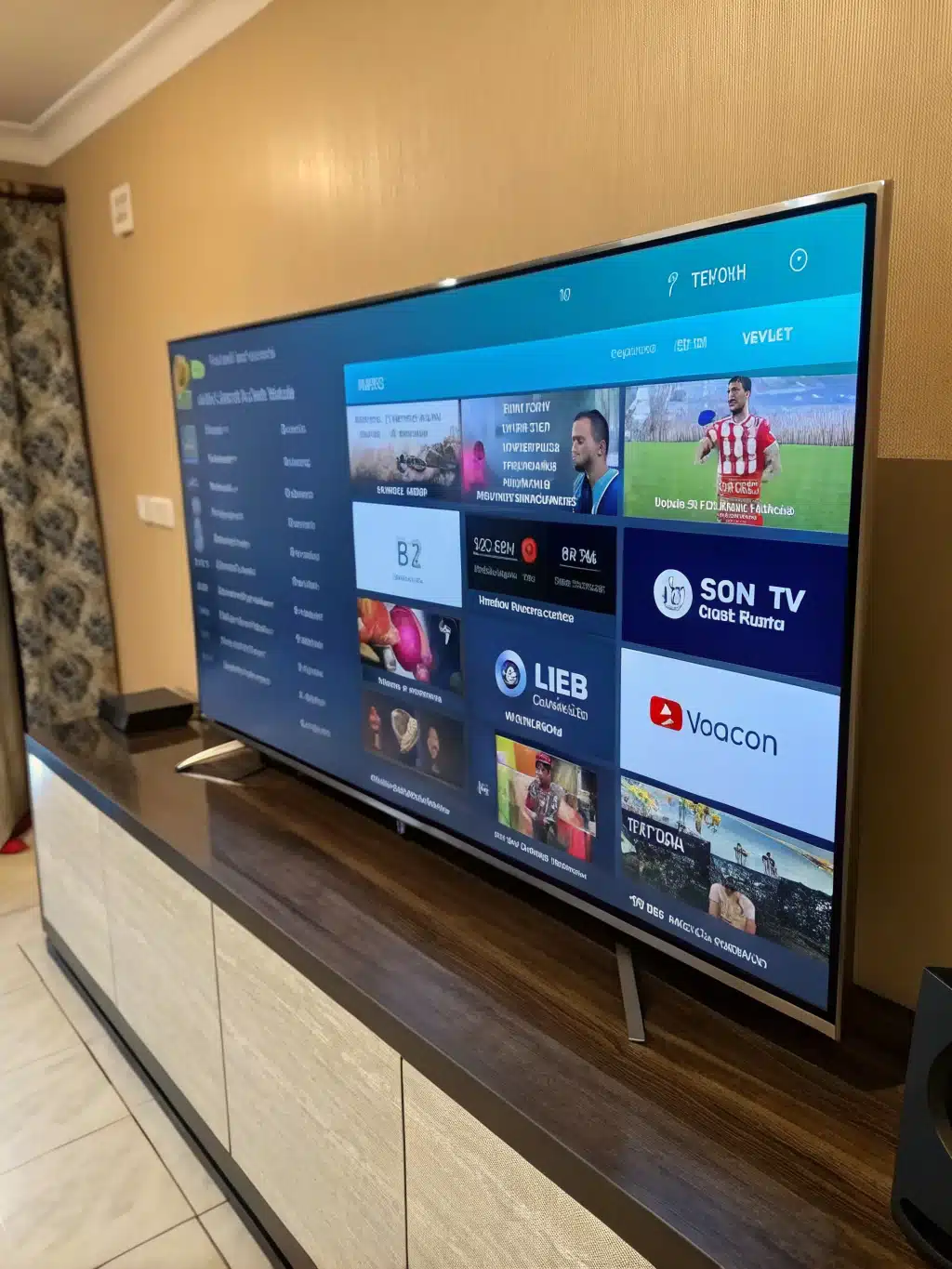
The best IPTV in UAE is a service delivered by a properly licensed operator that streams without buffering on your actual devices, covers the Arabic and international content your household watches, and gives you a way to test it — like a free trial — before you commit to a plan. Picking well means weighing legality, connection speed, device support, and content fit together, not just comparing channel counts or headline prices.

UAE viewers face a buying decision that most ‘top 10 IPTV’ roundups skip entirely: the regulatory picture. Unlike shoppers in many other markets, UAE residents need to understand how local telecom law treats IPTV before they compare features. This guide covers that context in full, plus the practical criteria — speed, devices, pricing, and support — that actually separate a good subscription from a frustrating one.
Is IPTV legal in the UAE?
IPTV itself is not illegal in the UAE, but only services delivered by licensed operators are permitted. The framework is set out under Federal Law No. 3 of 2003, enforced by the Telecommunications and Digital Government Regulatory Authority (TDRA, formerly TRA), which requires any provider distributing broadcast content to hold proper content-licensing rights and telecom authorization.
The distinction that matters for buyers is simple: a licensed IPTV or streaming provider has secured distribution rights for its content and operates transparently, while an unauthorized IPTV reseller is typically retransmitting pirated broadcast feeds without any rights agreement. The UAE Public Prosecution has stated that sharing or storing illegal online content carries fines ranging from roughly AED 300,000 up to AED 10 million, and separate cybercrime provisions attach fines between AED 500,000 and AED 2,000,000 (plus potential imprisonment) for using tools like a VPN to access or distribute unauthorized content. A VPN does not change the legal status of the underlying content — if the source isn’t licensed, routing around network restrictions doesn’t make it legal.
None of this means IPTV is off-limits in the UAE. It means the practical filter for choosing a service should include transparency: a real company name, a working website, visible support channels, and pricing that looks like a legitimate subscription business rather than an unlimited-everything bargain. Etisalat and du also actively enforce network-level blocks against known unauthorized streaming domains, which is another reason a stable, transparent provider matters more than a provider promising the largest channel list.
What actually makes the best IPTV in UAE (not just the biggest channel list)
1. Local server routing and real-world latency
This is the factor most comparison articles miss entirely. Streaming performance in the UAE depends heavily on where a provider’s servers are physically located relative to Etisalat and du’s network peering points. IPTV traffic routed through European-hosted servers can add 80–200ms of round-trip latency on UAE connections, which shows up as slow channel-zapping, delayed live-sports starts, and intermittent buffering even on a fast home connection. Servers positioned closer to Gulf network infrastructure typically deliver latency under 5ms. When you trial a service, don’t just check whether a channel loads — time how long it takes and whether switching channels feels instant.
2. Match your internet plan to the resolution you actually want
Buffering is often blamed on the IPTV app when the real issue is bandwidth. As a baseline for a single stream:
| Streaming quality | Minimum speed (single stream) | Recommended for stable playback |
|---|---|---|
| SD | 5 Mbps | 8 Mbps |
| HD / 1080p | 15 Mbps | 20–25 Mbps |
| 4K / Ultra HD | 25 Mbps | 50 Mbps or higher |
Multiply per-stream needs by the number of devices watching simultaneously in your home. Most UAE fibre plans from Etisalat and du start at 100 Mbps or higher, which comfortably supports several concurrent 4K streams, so bandwidth is rarely the bottleneck if you’re on a modern fibre connection — server routing and app quality usually matter more once you’re above 50 Mbps. For a deeper technical breakdown of how bitrate and network jitter affect playback, see this bandwidth and network optimization guide for IPTV.
3. Channel relevance beats channel count
Marketing pages routinely advertise 35,000+ or 30,000+ channels, but a household typically watches a few dozen channels regularly. What matters is whether the service organizes Arabic channels, international sports, kids content, and VOD libraries in a way you can actually navigate. Review the IPTV channels list before subscribing to confirm the categories you care about are well represented, not just padded with duplicate feeds.
4. Device compatibility on what you already own
UAE households commonly mix Fire TV Stick, Android TV boxes, Samsung/LG Smart TVs, iPhone, iPad, and Android phones in the same home. Before paying for a plan, confirm the provider has a stable, actively updated app for your primary screen. Check the supported IPTV applications list and the how to watch guidance so you know exactly what player to install and whether setup will take minutes or become a support back-and-forth.
5. Setup process and onboarding friction
A service can have great streams and still feel bad to use if getting from purchase to first working channel is confusing. Look for clear, current step-by-step guides rather than a single generic PDF. The IPTV tutorials should walk through your specific device and app combination.
6. Support responsiveness before and after purchase
Test support before you pay, not after. Message the provider with a real question about device compatibility or plan differences. If you get a clear, prompt answer, that’s a strong signal. If contact options are hidden or only appear post-payment, treat that as a warning sign. RevoIPTV’s contact page is a good example of what pre-sale access to support should look like.
7. Pricing structure and what’s actually included
UAE IPTV pricing typically spans roughly AED 30 for a single month up to AED 250–300 for annual plans, with most providers offering monthly, quarterly, and annual tiers at similar per-channel value. The cheapest plan is rarely the best value once you factor in stream stability, device app quality, and support — a slightly higher-priced plan that just works is usually cheaper in time and frustration than a bargain plan you have to fight with weekly. Compare tiers on the pricing page only after you’ve confirmed device fit and content relevance.
A UAE IPTV buying checklist
- Confirm the provider is transparent: real branding, visible contact details, clear terms — not just a payment link
- Test actual channel-load and channel-switch speed during a trial, not just whether it plays at all
- Match your home internet plan to your target resolution using the table above
- Install the app on your primary device first, before assuming compatibility
- Check that Arabic, international, sports, and VOD categories are organized clearly
- Message support with a real question and time the response
- Compare annual vs. monthly pricing only after confirming the service fits your setup

Why a free trial is the single best filter
Every other factor on this list can be verified in minutes with a trial. Instead of trusting a sales page, you see actual channel-load times, real picture quality on your own screen, and whether the app feels intuitive on the first try. Start with the free IPTV trial, test it during your normal evening viewing window (when network load is highest), and only move to a paid plan once it holds up under real conditions.
Why RevoIPTV fits this buying framework
RevoIPTV is built around the same order of operations this guide recommends: test first, then commit. Start with the free trial, browse the channel list to confirm content fit, pick the right player from the applications page, and use the tutorials if you want step-by-step setup help. If you manage IPTV for multiple households or clients, the reseller packages extend the same testing-first approach to a business setup. Support is reachable before you pay through the contact page, which is exactly the pre-sale responsiveness this guide recommends checking for.
Final verdict
The best IPTV in UAE is not the service with the biggest channel number or the loudest discount banner. It’s a transparent, properly operating provider with servers that perform well on UAE networks, an app that runs cleanly on your actual device, content that matches your household’s real viewing habits, and support you can reach before you pay. Confirm those five things with a trial, and the pricing comparison becomes easy.
FAQ
Is IPTV legal in the UAE?
Yes, but only when delivered by a licensed operator under TDRA regulation and Federal Law No. 3 of 2003. Unlicensed IPTV resale carries significant fines and legal risk, so provider transparency matters as much as picture quality. See the TDRA regulatory role for background on how UAE telecom law is enforced.
Does using a VPN make IPTV legal in the UAE?
No. A VPN does not change the legal status of the content you’re streaming, and UAE cybercrime law separately penalizes using a VPN to access or distribute unauthorized content, with fines reported between AED 500,000 and AED 2,000,000.
What internet speed do I need for IPTV in the UAE?
Plan for at least 15–20 Mbps per HD stream and 25–50 Mbps per 4K stream, then add up all devices watching at once. Most UAE fibre plans of 100 Mbps or higher comfortably support several simultaneous 4K streams.
Why does my IPTV buffer even though my internet is fast?
Buffering is often caused by server distance and network routing rather than raw bandwidth. Providers using UAE-local server infrastructure typically deliver far lower latency than those routing through distant European servers, even on identical internet plans.
Does a bigger channel list mean a better IPTV service?
No. A large number only helps if the categories you actually watch — Arabic, sports, kids, VOD — are well organized and the streams stay stable during peak hours. Relevance and reliability matter more than raw quantity.
What’s the safest way to choose an IPTV provider in the UAE?
Verify the provider is transparent and reachable before you pay, test a free trial on your actual device during peak evening hours, confirm your internet plan matches your target resolution, and compare pricing only after the service has proven it works for you.
Join the conversation
Read next



0 responses on “Best IPTV in UAE 2026: How to Choose a Legal, Reliable Service”