
What Is IPTV? The Complete Guide to Internet Protocol Television (2026)
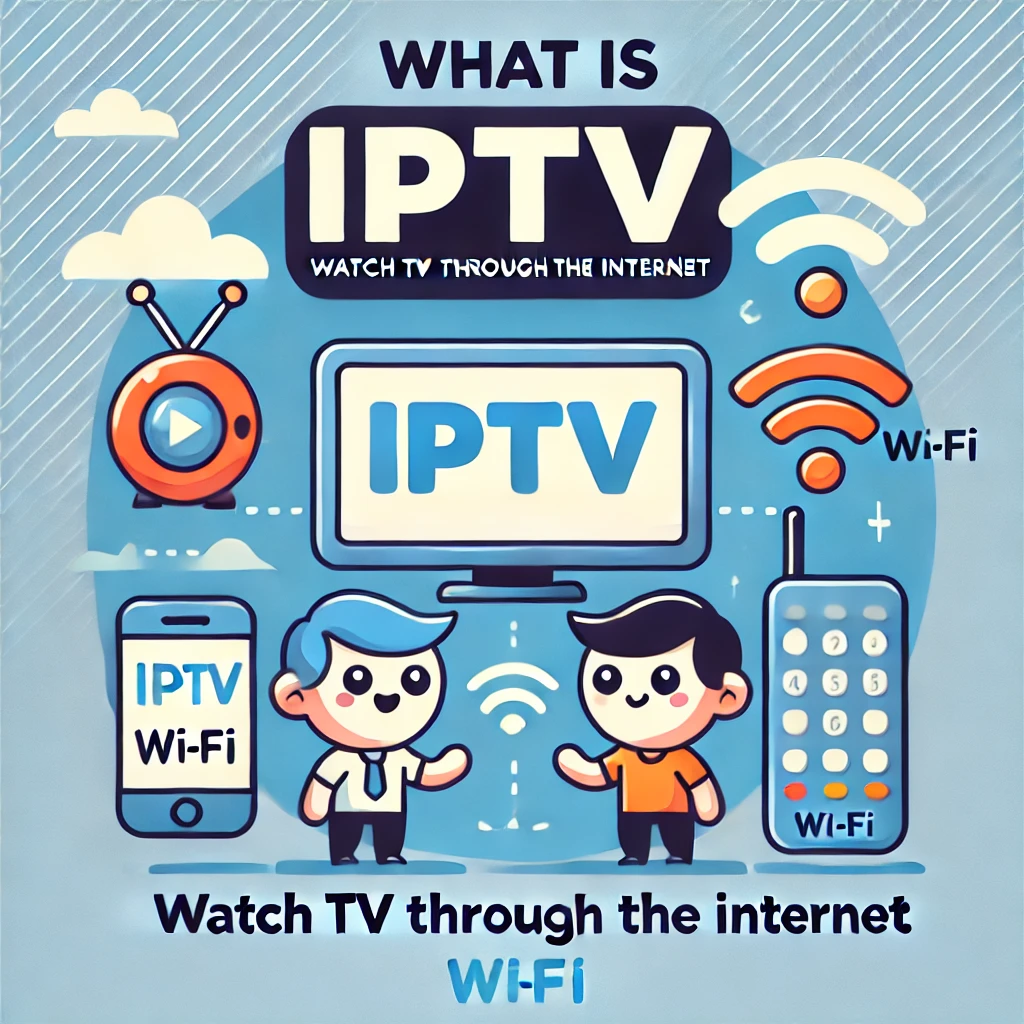
IPTV (Internet Protocol Television) is a way of delivering television — live channels, on-demand movies, and catch-up TV — as data over a standard internet connection instead of through cable coax or a satellite dish. If you want the short definition, see our quick answer: what is IPTV. This guide goes deeper: the protocols and architecture behind IPTV, every service type, every major device, the legal picture in 2026, and how to choose and set up a provider.

What Is IPTV, Exactly?
IPTV stands for Internet Protocol Television. Instead of a broadcast tower or satellite beaming the same signal to every antenna in range, an IPTV provider encodes video into compressed digital packets and sends them over IP networks — the same underlying technology that powers the rest of the internet — directly to an app or set-top box on your device. The provider only sends the specific channel or program you request, rather than pushing every channel to your home at once the way cable does.
This is different from OTT (over-the-top) streaming in a technical sense, though the terms are used loosely in consumer marketing. True carrier-grade IPTV (the kind telecom companies once ran over dedicated fiber) uses a managed, private network slice with guaranteed bandwidth. Consumer IPTV subscriptions — including services such as RevoIPTV — technically operate over the public internet like OTT platforms, but replicate the full IPTV experience: live channels, an Electronic Programme Guide (EPG), video on demand, and time-shifting, all in one app.
How Does IPTV Work? The Technical Breakdown
Understanding what happens between a broadcast feed and your screen helps explain why connection quality matters so much. IPTV delivery involves five layers:
- Head-end and encoding — The provider ingests live broadcast feeds and VOD source files, then compresses them with a codec (commonly H.264 or the more efficient H.265/HEVC) to shrink file size without a major quality loss.
- Packaging into a streaming protocol — The encoded video is split into small segments and wrapped in a delivery protocol. The two dominant standards in 2026 are HLS (HTTP Live Streaming), which slices video into 2–10 second HTTP chunks and carries roughly 60% of IPTV traffic because it passes through firewalls and CDNs easily, and MPEG-DASH, an open, codec-agnostic alternative used by many Android and smart TV apps.
- Distribution over a CDN — Content Delivery Network servers positioned around the world cache and relay these segments so viewers connect to a nearby node instead of a single distant origin server, cutting latency and buffering.
- Multicast vs. unicast delivery — On closed, provider-managed networks, live channels can use IP multicast (with IGMP handling channel-join/leave requests), where one stream serves unlimited viewers on that network — highly efficient, but it doesn’t traverse the open internet. Most consumer IPTV over the public internet instead uses unicast, where your app opens its own direct HTTP connection to the server. On-demand content almost always uses unicast with RTSP-style controls so you can pause, rewind, and fast-forward.
- Your device and app — An IPTV app (or a physical set-top box) decodes the incoming stream and renders it on screen, applying adaptive bitrate streaming to automatically step video quality up or down as your connection fluctuates, which is why IPTV rarely hard-freezes the way an old cable signal does when it degrades — it downgrades resolution first.
Because everything rides your existing broadband, IPTV needs a stable connection: at least 10 Mbps per stream for HD and 25 Mbps per stream for 4K, with a wired Ethernet connection reducing the jitter that Wi-Fi can introduce during peak hours.
Live TV, VOD, Time-Shifting, and NVOD: The Four Types of IPTV
Most write-ups only mention three service types. A complete picture includes a fourth that shapes how sports and premieres are scheduled:
- Live IPTV — Real-time channel streaming, functionally identical to watching cable: sports, news, and international channels with an EPG so you can see what’s on and what’s coming up next.
- Video on Demand (VOD) — An on-demand library of movies and series you browse and play whenever you want, with full playback control (pause, rewind, fast-forward), similar to Netflix but bundled alongside live channels in one subscription.
- Time-Shifted TV (Catch-Up) — Replays of programs that already aired, typically available for a rolling window of several days to a week, so a missed match or episode isn’t gone forever.
- Near Video on Demand (NVOD) — Less commonly explained, but common with premium sports and pay-per-view: the same program is started on a staggered schedule across multiple channels (e.g., every 15–30 minutes), giving a VOD-like experience without true on-demand infrastructure.
Premium providers, including RevoIPTV’s subscription plans, typically bundle live, VOD, and catch-up together, so you are not paying separately for each.
IPTV vs. Cable, Satellite, and Streaming Apps
| Feature | IPTV | Cable / Satellite | Netflix-style VOD apps |
|---|---|---|---|
| Delivery method | Internet (broadband) | Coaxial cable / satellite dish | Internet (broadband) |
| Live channels | Yes, thousands including international | Yes, limited by local package | Rarely — mostly VOD only |
| On-demand library | Yes, bundled in | Limited, often extra cost | Yes, primary focus |
| Hardware | Smart TV, phone, streaming stick, or box | Provider set-top box + dish/cable line | Smart TV or streaming device |
| Contract length | Usually monthly, no lock-in | Often 12–24 months | Monthly, cancel anytime |
| Typical monthly cost | $10–$25 | $60–$120+ | $8–$25 per app |

What Devices and Apps Work With IPTV?
IPTV’s biggest practical advantage is that it runs on hardware most households already own:
- Smart TVs — Samsung, LG, Sony, and Android TV models can install IPTV apps directly from their app stores.
- Streaming sticks and boxes — Amazon Fire Stick, Roku, Nvidia Shield, and Apple TV all run IPTV apps.
- Smartphones and tablets — iOS and Android apps let you watch live TV and VOD on the go, useful for travel.
- Computers — Browser-based or desktop players (like VLC or dedicated IPTV players) work on Windows and Mac.
- Dedicated set-top boxes — MAG, Formuler, and Dreamlink boxes are built specifically for IPTV and often deliver the most stable living-room experience.
See the full walkthroughs for every supported device in the RevoIPTV applications guide, and step-by-step setup instructions in the IPTV tutorials hub.
Is IPTV Legal?
The technology itself is completely legal — IPTV is just a delivery method, the same way Wi-Fi or 4G is legal. What determines legality is whether the provider holds the rights to the content it streams. Legitimate, licensed IPTV services pay broadcasters and rights holders for the channels and VOD content they offer, the same way a cable company does. RevoIPTV operates as a licensed provider on this basis.
Pirate IPTV — services that re-stream premium channels or sports without authorization, often advertised as “free IPTV” or at unrealistically low prices — is a different story. In the US, the Protecting Lawful Streaming Act made operating an illegal streaming service a federal felony, and rights holders have won civil judgments against pirate resellers running into the hundreds of millions of dollars. Individual viewers are rarely prosecuted criminally, but copyright holders can pursue civil damages, and pirate boxes carry real malware and data-security risk since they’re run by anonymous operators with no accountability. The safest rule: if a deal looks too cheap to be legitimate, it usually is not.
Advantages and Challenges of IPTV
Advantages:
- Watch anywhere, on any device — most subscriptions support 2–4 simultaneous connections across your household.
- More channels for less money — thousands of channels, including extensive international lineups, typically far cheaper than a cable bundle.
- No long-term contracts — monthly or quarterly billing is standard, with no 12-month lock-in.
- HD and 4K quality — with sufficient bandwidth, IPTV delivers sharp video without satellite-style weather interference.
- Personalization — EPG browsing, favorites, search, catch-up, and VOD in one interface.
Challenges:
- Internet dependency — quality is only as good as your broadband; a congested or slow connection causes buffering and resolution drops.
- Choosing a legitimate provider — the market includes unlicensed operators; vetting matters (see the section below).
- Occasional peak-demand strain — even reputable providers can see brief slowdowns during massive simultaneous events like a World Cup final; redundant server infrastructure minimizes this.
How to Choose and Set Up an IPTV Service in 2026
- Test your internet speed — aim for at least 25 Mbps for reliable HD/4K, more if multiple people stream at once.
- Verify the provider is licensed and transparent — check for a real company, published support channels, and realistic pricing rather than “too good to be true” offers.
- Compare channel lists, VOD libraries, and connection limits against your household’s needs.
- Pick a plan — most providers offer monthly, quarterly, and annual options.
- Install the app on your preferred device and log in with your credentials, using the relevant guide in the tutorials hub.
- Set up your EPG and favorites, then start watching.
Not ready to commit? Start a free IPTV trial with RevoIPTV and test real-world performance on your own network before subscribing. If you only need the short version of this topic, revisit our quick IPTV definition page.
FAQ
What does IPTV stand for?
IPTV stands for Internet Protocol Television — any TV service delivered as data over an internet connection rather than through cable, satellite, or over-the-air broadcast.
How does IPTV actually work on a technical level?
Video is encoded (typically with H.264 or H.265), split into segments, and delivered through a protocol like HLS or MPEG-DASH over HTTP via a CDN. Your device’s app decodes the stream and adjusts quality in real time based on your connection speed.
How much internet speed do I need for IPTV?
At least 10 Mbps per stream for HD and 25 Mbps per stream for 4K. Multiply by the number of simultaneous streams in your household, and prefer a wired Ethernet connection over Wi-Fi for stability.
Is IPTV the same as Netflix or Disney+?
No. Both deliver video over the internet, but IPTV centers on live TV channels plus VOD and catch-up, replicating a full cable-style lineup. Netflix and Disney+ are VOD-only with no live channels.
Is IPTV legal?
The technology is legal; legality depends on whether the provider is licensed to distribute the content. Licensed providers pay for broadcasting rights; unlicensed “free” or ultra-cheap services are typically pirating content and carry legal and security risk.
Can I watch IPTV on multiple devices at once?
Most subscriptions support 2 to 4 simultaneous connections, so different household members can watch different channels at the same time — check your provider’s specific connection limit.
Join the conversation
Read next

0 responses on “What Is IPTV? The Complete Guide to Internet Protocol Television (2026)”