
Why IPTV Smarters Pro Is a Game-Changer for Streaming in 2026
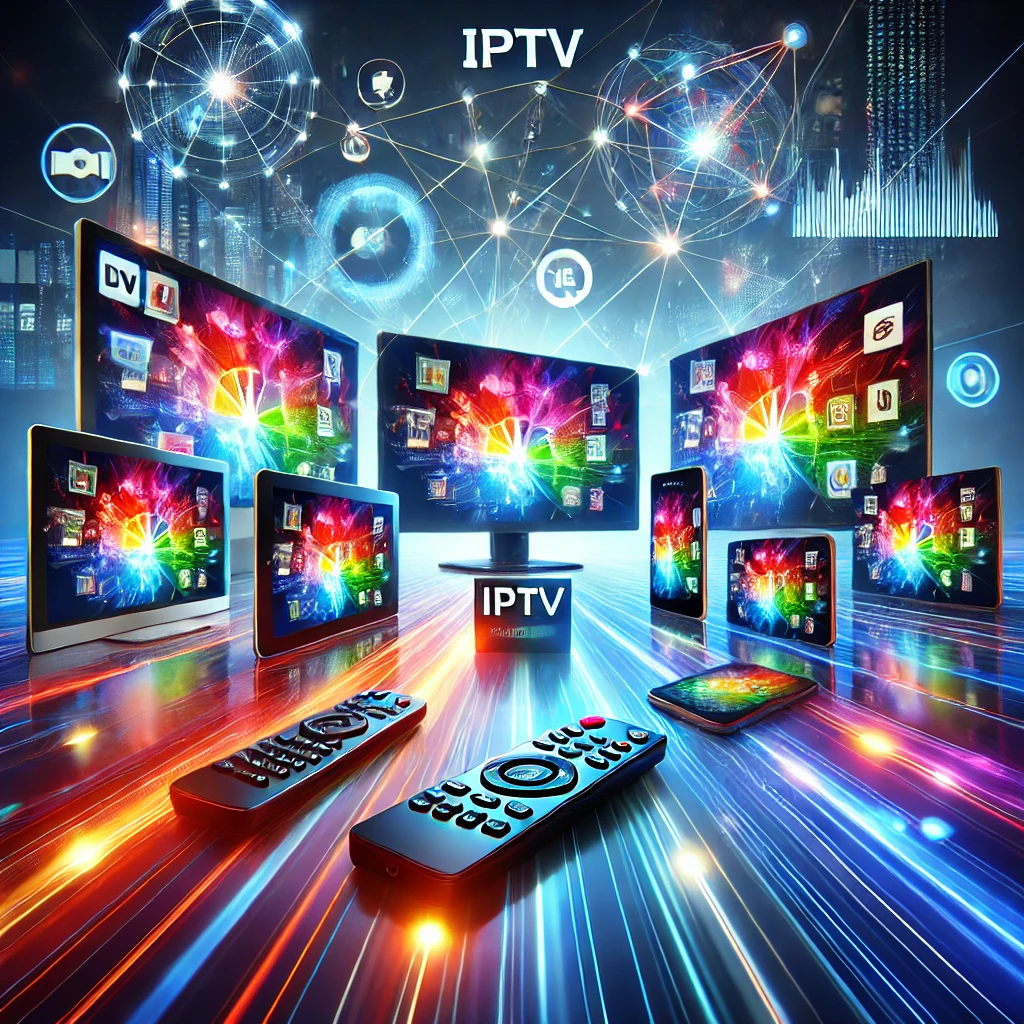
IPTV Smarters Pro is a game-changer because it is one of the only IPTV players that runs natively on almost every screen you own — Android, iOS, Apple TV, Fire TV, Samsung Tizen, LG webOS and Windows — while still packing premium features like a full EPG, catch-up TV, multi-screen viewing and parental controls into a free app. Where most rival players force you to pick a single ecosystem, Smarters Pro removes that trade-off entirely. Here’s what actually makes it stand out in 2026, and who gets the most value from it.

What Makes IPTV Smarters Pro Different From Other Players
Dozens of IPTV apps promise the same basic idea: point them at a playlist and start watching. What separates IPTV Smarters Pro from the pack is how much functionality it packs in without charging for it, and how few devices it locks out.
Competing players like TiviMate are excellent, but they are built exclusively for Android TV and Fire TV — if you own an iPhone, iPad, Mac, or a Samsung or LG smart TV, TiviMate simply isn’t an option, and you’ll pay for its premium tier to unlock the EPG and DVR features. Smarters Pro takes the opposite approach: the app is free across the board, and its core features — EPG, catch-up, multi-screen, parental locks — are available out of the box, not gated behind a paywall.
Smarters Pro vs. Other Popular IPTV Players
| Feature | IPTV Smarters Pro | TiviMate | GSE Smart IPTV |
|---|---|---|---|
| Device support | Android, iOS, Apple TV, Fire TV, Tizen, webOS, Windows | Android TV / Fire TV only | Android, iOS, limited TV support |
| Cost | Free | Free tier limited; Premium ~$5/yr or lifetime fee | Free with ads; Pro version paid |
| Built-in EPG | Yes, free | Requires Premium | Yes, basic |
| Catch-up TV | Native support | Provider-dependent | Limited |
| Multi-screen viewing | Up to 4 streams | Multiview (Premium) | Not standard |
| Interface style | Simple, large tiles — easy for any age | Cable-box style, faster transitions | Dated, more technical |
The trade-off is real: TiviMate’s interface feels closer to a premium cable box and its screen transitions are noticeably snappier. But if you want one app that works identically across your phone, tablet, smart TV and streaming stick, IPTV Smarters Pro wins on reach and value.
The Features That Make Smarters Pro Worth Using
Beyond cross-platform support, several features explain why Smarters Pro has stayed relevant through repeated app updates and competitor launches.
- Electronic Program Guide (EPG): A full, multi-day schedule for every channel, so you can plan viewing instead of channel-surfing blind.
- Catch-Up TV: Scroll back through the EPG to rewatch programs that already aired — no separate recording step required, provider-dependent.
- Multi-Screen Viewing: Watch up to four streams at once on compatible Fire TV and Android TV hardware, useful for tracking multiple live sports games simultaneously.
- Master Search: One search bar scans your entire library — live channels, movies and series — instead of hunting through separate menus.
- Parental Controls: PIN-lock specific channels or whole categories, strengthened in recent app versions for finer-grained control.
- Customizable Interface: Adjust grid size, background themes and layout so the app matches how you actually browse.
- 4K and HDR Playback: Full support for high-resolution streams on capable hardware, provided your IPTV subscription and connection can deliver it.
- Multiple Playlist Formats: Supports M3U, Xtream Codes API and JSON, so it works with virtually any legitimate provider’s delivery method.
None of these features require content on their own — Smarters Pro is a player, not a broadcaster. It needs a licensed IPTV subscription behind it, which is where the quality of your provider matters as much as the app itself.
Why the App Alone Isn’t Enough
This is the part competing ‘top app’ roundups tend to gloss over: IPTV Smarters Pro is only as good as the service feeding it. The app doesn’t host or supply any channels, movies or series — it’s a shell that renders whatever playlist you connect. That means stream stability, channel variety, and uptime during live sports all come down to your subscription provider, not the app.
This is why pairing Smarters Pro with a reliable, properly licensed service matters more than which player you pick. A subscription built for real infrastructure gives you:
Consistent Reliability
Stable streams during peak hours and major live events, without the buffering that plagues undersized or free IPTV sources.
A Real Content Library
Deep, regularly refreshed VOD and live channel catalogs — not a thin channel list padded with dead links.
Legitimate, Secure Access
Encrypted delivery and a provider that operates transparently, instead of unverified sources that put your device and data at risk — using unlicensed streaming sources can also expose you to copyright infringement liability, which is why the provider you pair with the app matters.
Support When Something Breaks
A real support channel for setup issues or playback problems — something free or anonymous sources never offer.
You can test this pairing risk-free with a free RevoIPTV trial before committing to a plan, and compare tiers on the RevoIPTV pricing page.
Who Gets the Most Value From IPTV Smarters Pro
Smarters Pro isn’t a niche tool — its cross-device reach means it fits a wide range of viewing habits:
- Multi-device households: One app, one login experience, across phones, tablets, smart TVs and streaming boxes — no re-learning a new interface per device.
- Sports fans: Multi-screen viewing and a detailed EPG make it easy to track several live games or leagues at once.
- Expats and international viewers: Access channels from home in the original language, on a schedule that fits your timezone.
- Families: PIN-based parental controls keep specific channels or categories restricted for younger viewers.
- Binge-watchers: The searchable VOD library and catch-up TV remove the need to plan around broadcast schedules.
If you’re deciding between IPTV apps in general, the full list of supported IPTV applications shows how Smarters Pro compares to other options RevoIPTV works with. Once you’re ready to get it running, the Firestick and Android installation guide and the step-by-step Smarters Pro setup walkthrough cover the installation and configuration process in detail — this article focuses on why the app is worth using in the first place, not the click-by-click setup.
Final Verdict: Is IPTV Smarters Pro a Game-Changer?
For anyone who owns more than one type of device — which is most households in 2026 — IPTV Smarters Pro’s combination of broad platform support, a genuinely useful EPG, native catch-up TV, and a free price tag is hard to match. It won’t out-animate TiviMate’s cable-box polish on Android TV, but it doesn’t need to: its edge is universality. Paired with a properly licensed, high-uptime subscription, it delivers a streaming experience that easily replaces traditional cable for most viewers. Browse RevoIPTV’s tutorials for more app-specific guides, or check the FAQs page for common setup and billing questions.
FAQ
Is IPTV Smarters Pro free to use?
Yes — the app itself is free to download on every supported platform. You need a separate, paid IPTV subscription to actually stream live channels or VOD content through it; the app is a player, not a content source.
What devices does IPTV Smarters Pro support?
Android and iOS phones/tablets, Apple TV, Amazon Fire TV/Fire Stick, Android TV boxes, Samsung Tizen and LG webOS smart TVs, and Windows PCs — one of the broadest device footprints of any IPTV player.
How many screens can I watch at once?
Up to four simultaneous streams, though the real limit is set by your subscription plan’s concurrent-connection allowance, not the app itself.
Is IPTV Smarters Pro safe and legal?
The app itself is a legitimate, legal media player that doesn’t host any content. Legality and safety depend entirely on the subscription you connect it to — always use a licensed, reputable provider rather than unauthorized sources.
How is IPTV Smarters Pro different from TiviMate?
Smarters Pro supports far more devices (including iOS, Apple TV and smart TVs) and keeps its EPG and catch-up features free, while TiviMate is Android/Fire TV-only and gates its EPG and DVR behind a paid Premium tier — though TiviMate’s interface and transitions are generally snappier.
Does IPTV Smarters Pro include catch-up TV?
Yes, natively. You can scroll back through the EPG and replay recently aired programs without extra configuration, though availability depends on your provider’s catch-up window.
Join the conversation
Read next

0 responses on “Why IPTV Smarters Pro Is a Game-Changer for Streaming in 2026”